
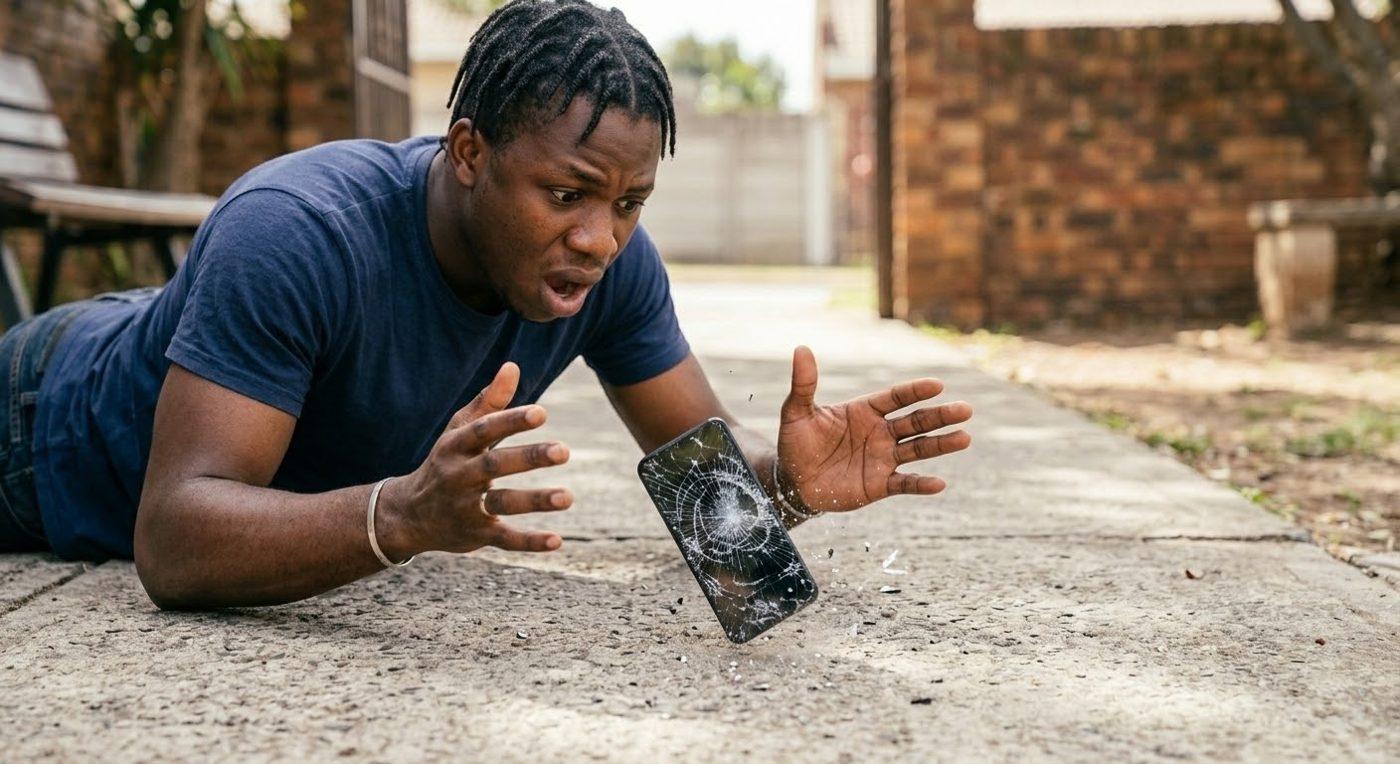
Step 1 of 9
The accident
David drops his phone outdoors and the screen breaks.
How far? · Ado-Ekiti · iPhone 18 Pro Max to 12
Shop iPhones, source devices in bulk, or bring yours in for expert repair at Max Gadgets.
At Max Gadgets
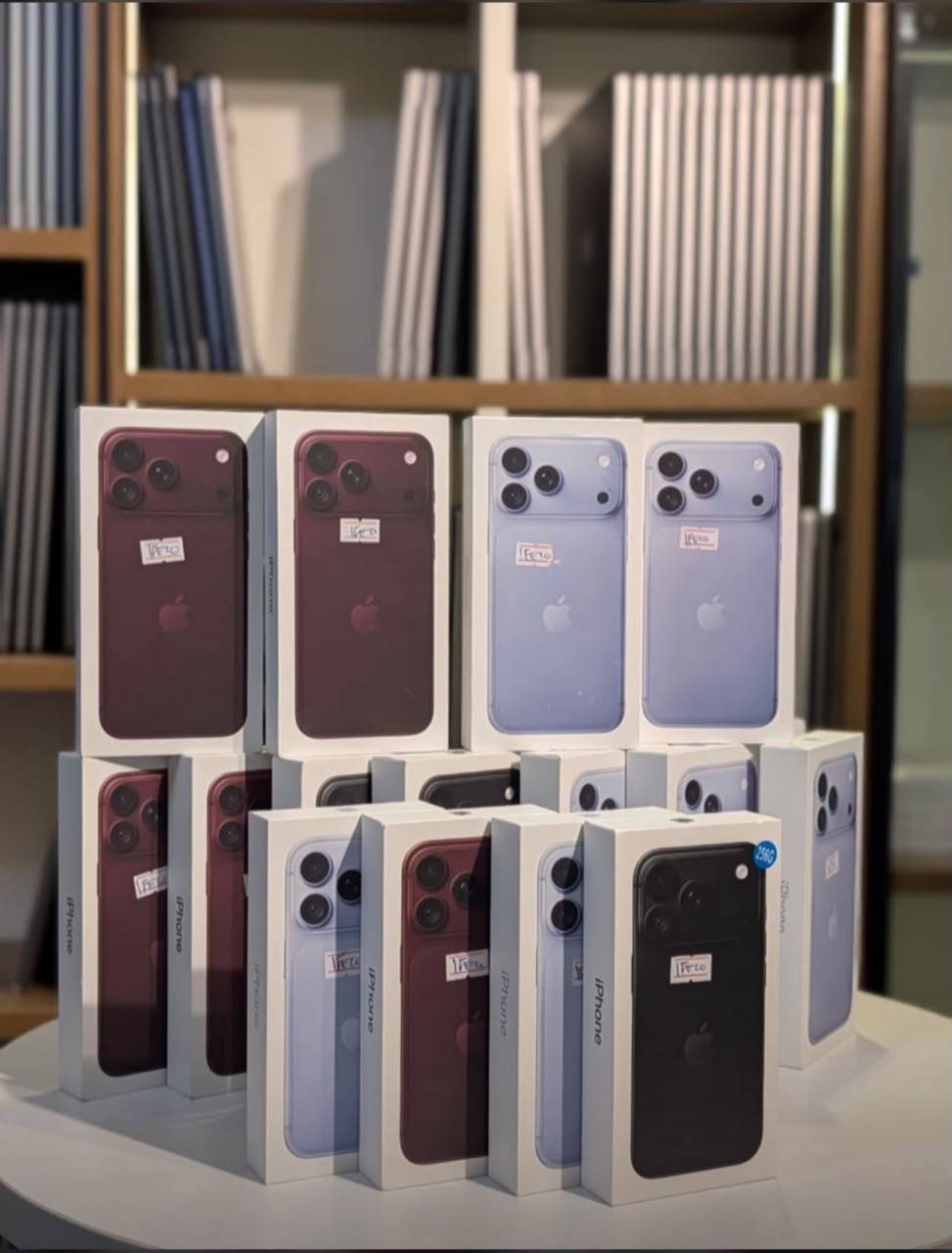
Shop in store
Product delivery
Bulk enquiries
7-day warranty on UK-used
Welcome
Max Gadgets sells the latest iPhones, from the iPhone 18 Pro Max down to the iPhone 12, along with other gadgets and UK-used devices. You can buy in the shop, arrange delivery, order in bulk, or hand in a phone that needs fixing. Scroll down to see the range, the repair services and how to order.
7-day
warranty on eligible UK-used gadgets
11
repair and unlocking services
15
quick fixes to try before you panic
2
phone numbers you can WhatsApp
What you will find
Latest iPhones and other phones, including UK-used.
Ask us which laptops are available today.
iPhone, iPad and other devices, with microsoldering.
Cables and other accessories. Ask what is in stock.
Flashing and unlocking of phones. Message us the model.
The range
Watch the range turn, then tap any phone to message us on WhatsApp. Standard and Plus models from these generations can be requested too.
A note on prices
Phone prices in naira change every day. A number printed on a website would already be out of date by the time you read it, and we would rather be accurate than hopeful.
Na so e be: price dey change daily, so just chat us for today's price.
So here is what we do instead.
The repair bench
We specialise in iPhone repair, iPad and other devices, and we are into microsoldering. Tap any card to read what it covers.
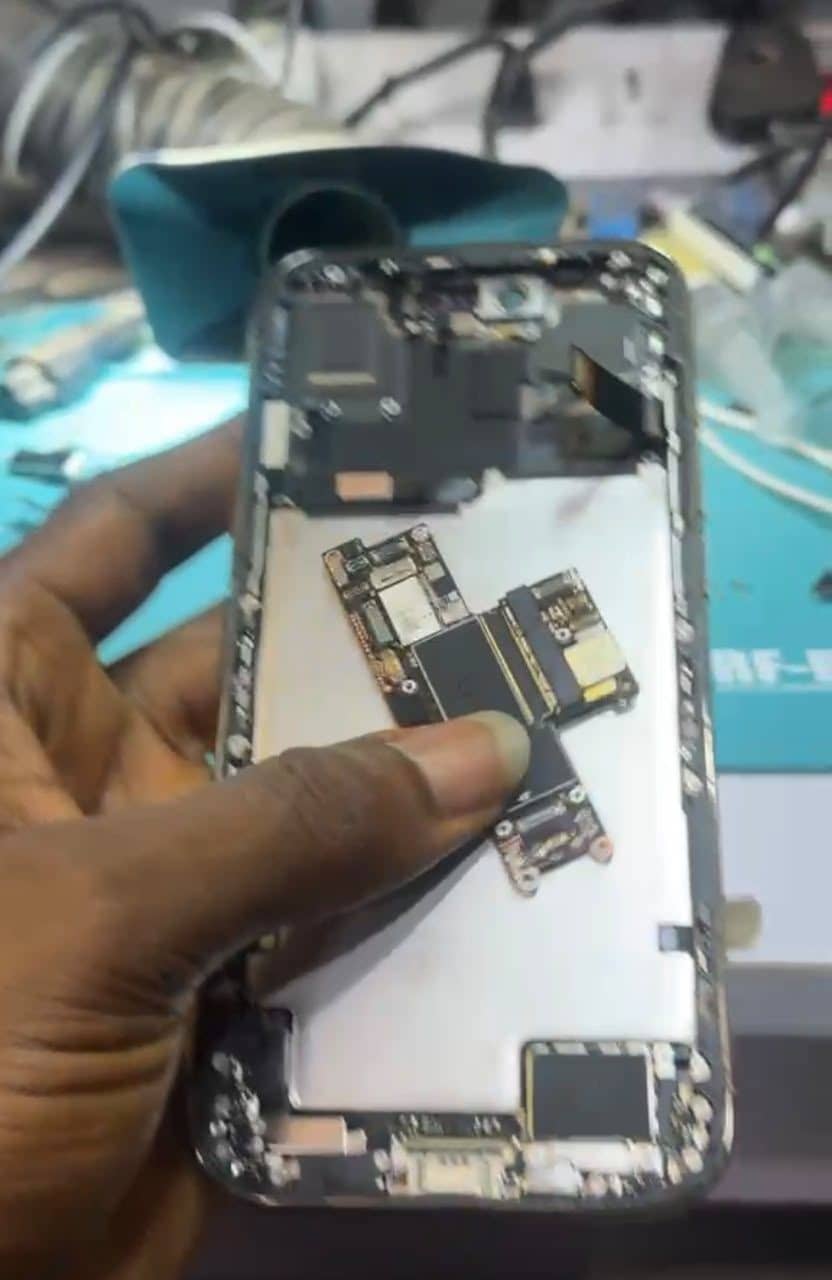
Face ID repair
Face ID not working, or saying it is unavailable? We check the sensors at the top of the screen and tell you what can be repaired. We confirm what is possible after we see the phone.
Screen repair
Cracked glass, dead touch, lines or a dim display. We replace damaged screens and explain your options first. We confirm what is possible after we see the phone.
Charging issues
Not charging, charging slowly or only at an angle? We check the cable, port and battery side to find the cause. We confirm what is possible after we see the phone.
Dead iPhones
A phone that will not switch on is not always finished. We trace the fault and tell you honestly if it can be revived. We confirm what is possible after we see the phone.
Network / searching
Stuck on Searching or No Service with a good SIM? We check the SIM tray and the network hardware on the board. We confirm what is possible after we see the phone.
Logic-board repair and iOS update
Board-level repair using microsoldering, plus iOS updates and restores when the problem is software. We confirm what is possible after we see the phone.
Board swap for data recovery
When a phone cannot start but your data matters, a board swap can help recover it. Ask whether your phone qualifies. We confirm what is possible after we see the phone.
Screen baking
A heat treatment used for some display faults. We tell you if it suits your phone before we try it. We confirm what is possible after we see the phone.
Green screen repair
A green tint or lines on the display. We find out whether the screen or the board is at fault and fix it. We confirm what is possible after we see the phone.
Memory / storage upgrade
Running out of space? Storage can be upgraded on some iPhone models. Message us your model to check. We confirm what is possible after we see the phone.
Flashing and unlocking of phones
Flashing and unlocking of phones. Message us the phone model and what you need. We confirm what is possible after we see the phone.
A repair story
Follow David from the moment his screen breaks to the moment he is back to his games, with a fully restored phone.
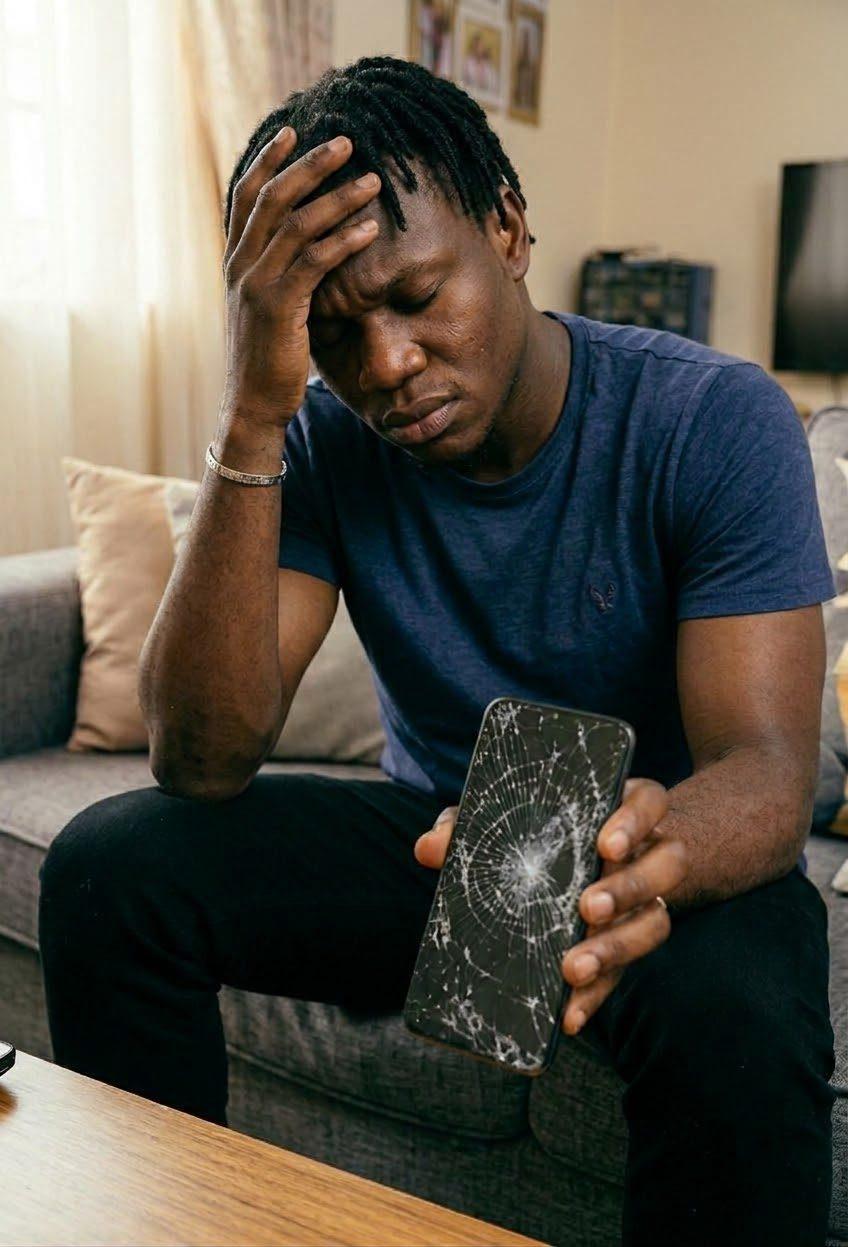
Step 1 of 9
David drops his phone outdoors and the screen breaks.
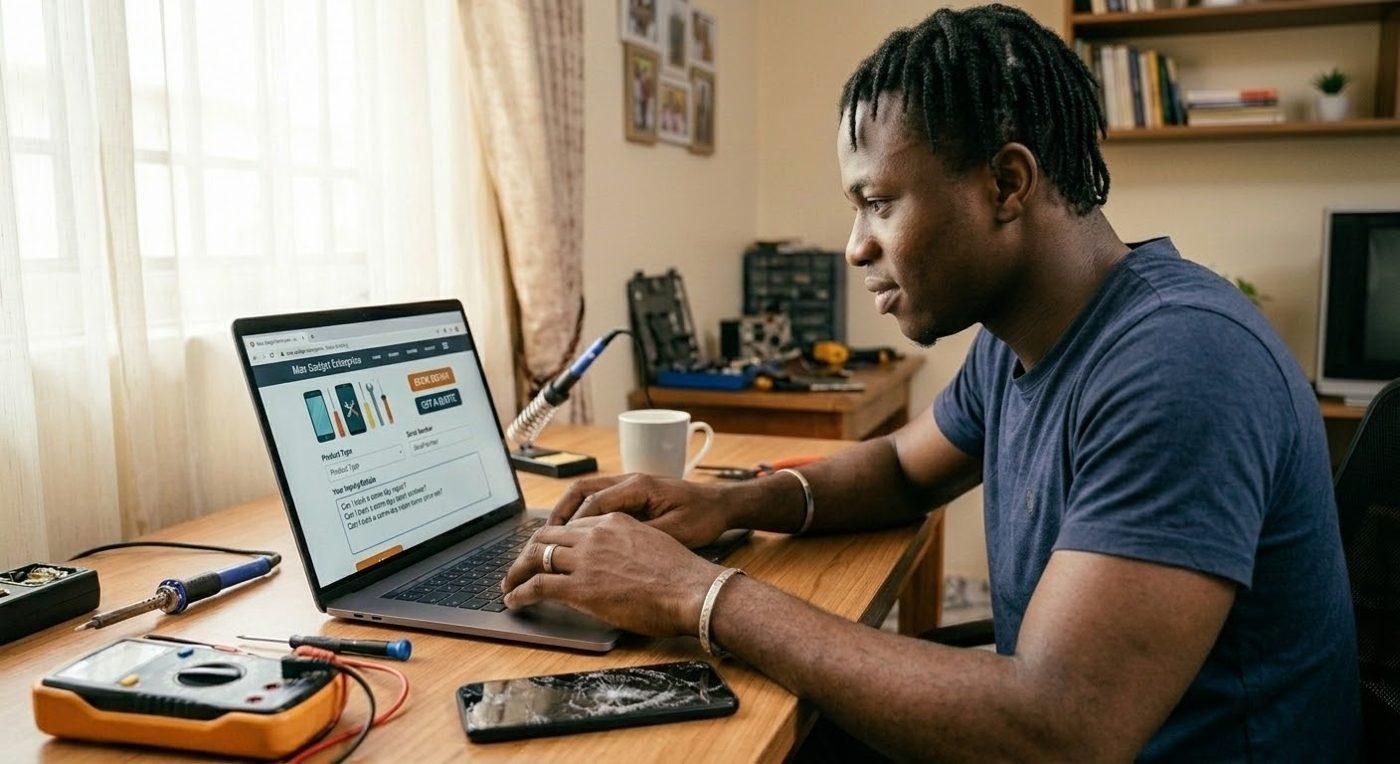
Step 2 of 9
Back home, David sits with a broken phone, sad and frustrated.
Step 3 of 9
He browses the Max Gadgets website and sends a repair inquiry.
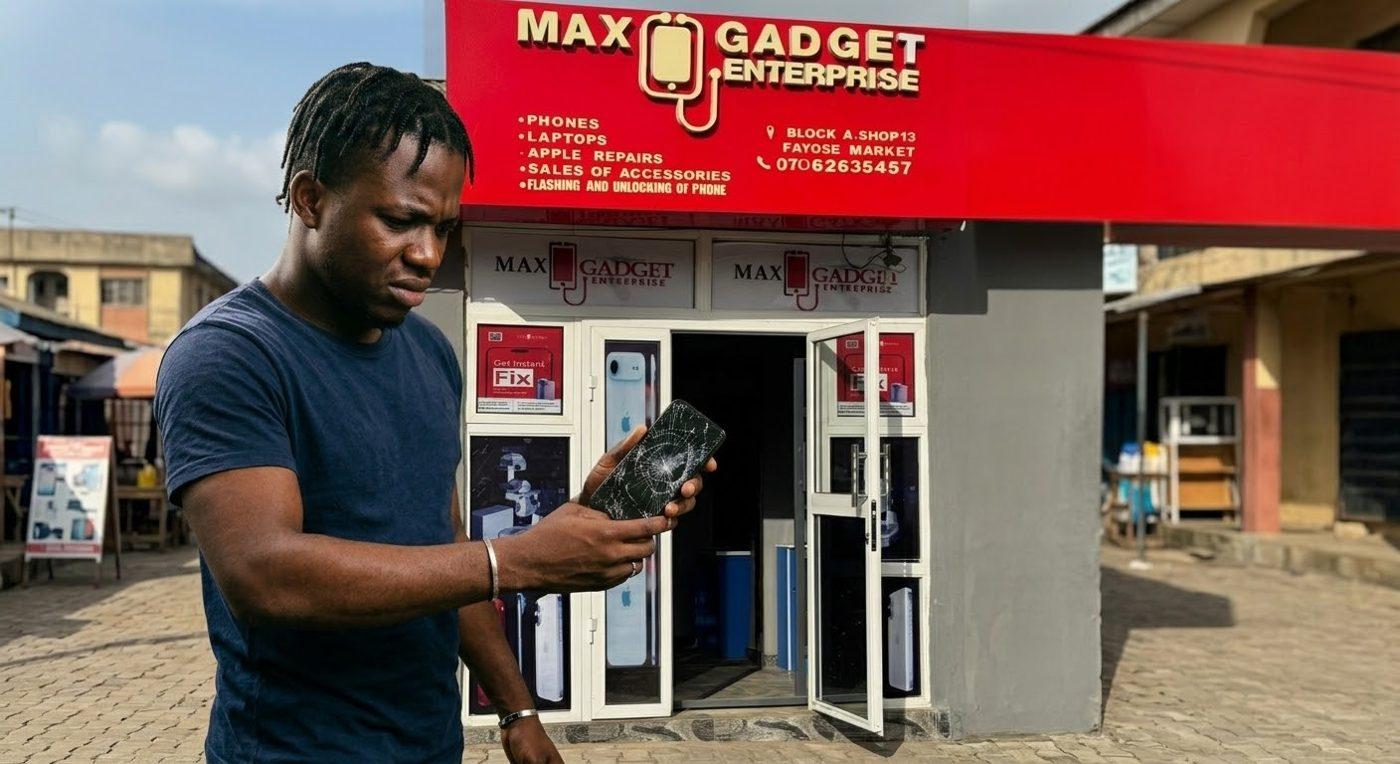
Step 4 of 9
He arrives at the shop at Block A, Shop 13, Fayose Market.

Step 5 of 9
At the counter he explains the problem and hands over the phone.
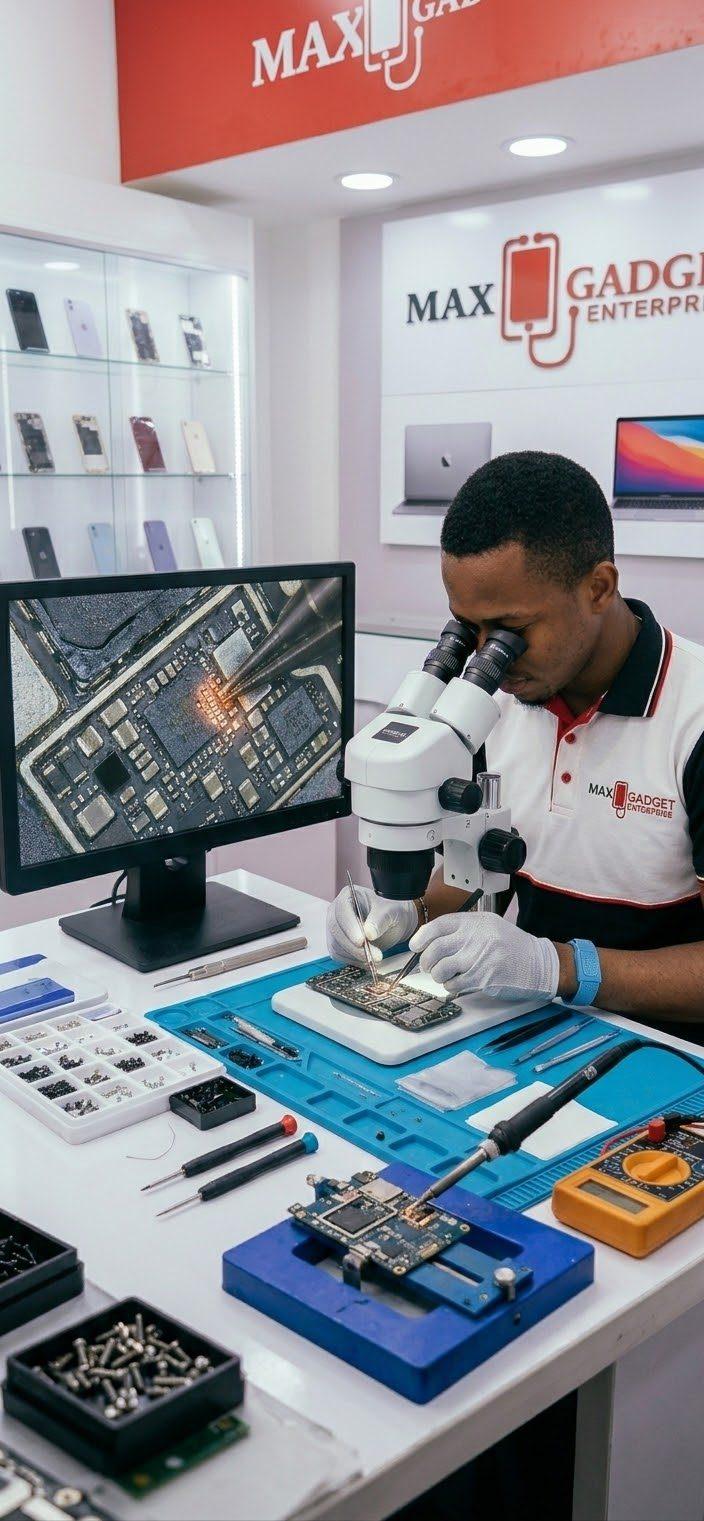
Step 6 of 9
The technician repairs the screen with care under the microscope.
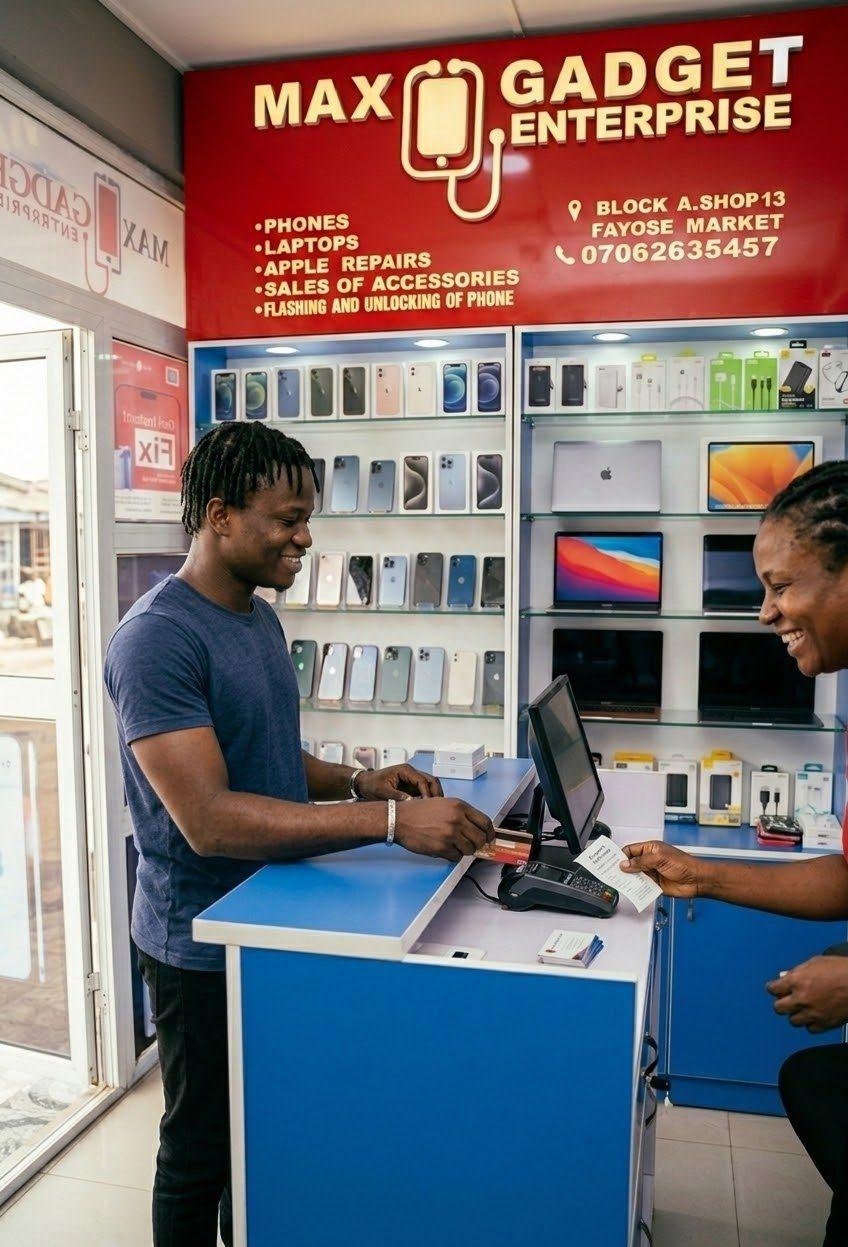
Step 7 of 9
After a successful repair, David pays quickly and smoothly at the counter.
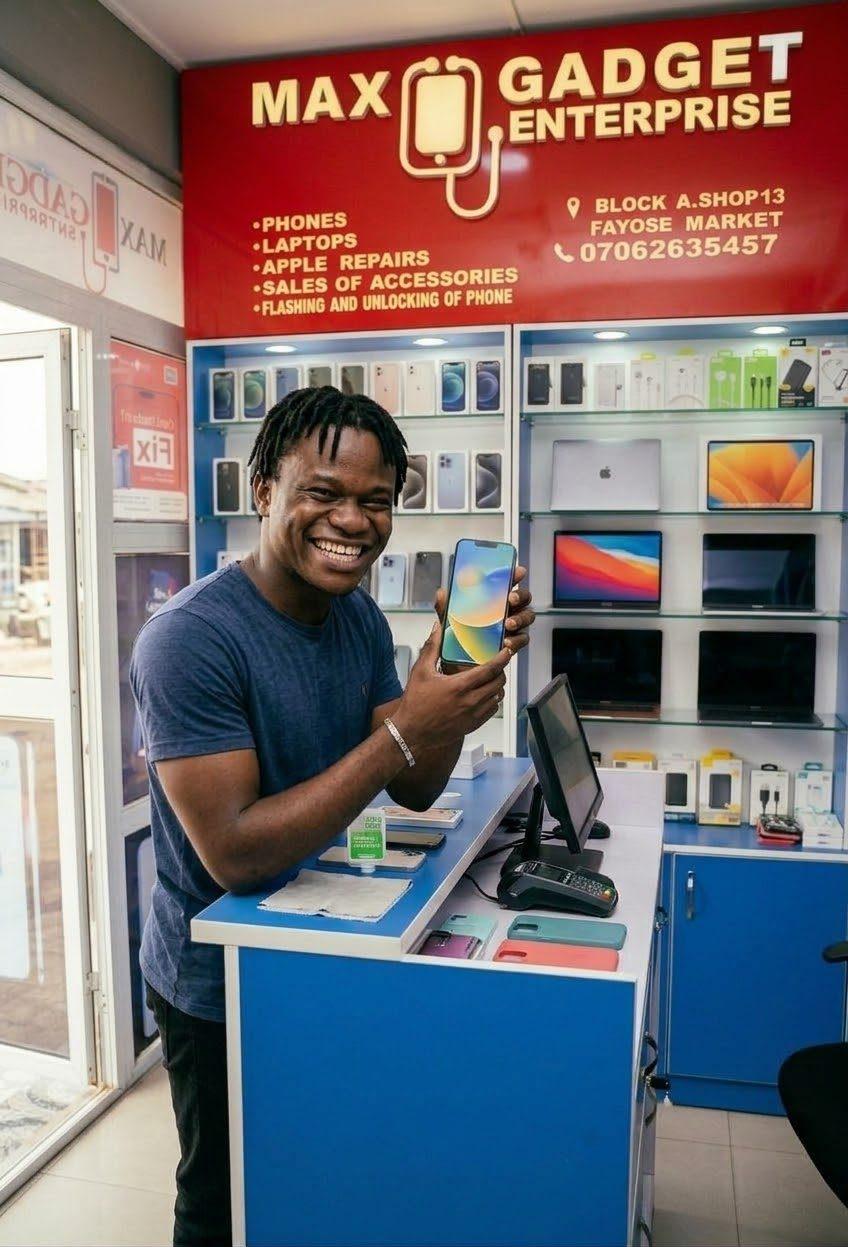
Step 8 of 9
A happy David shows off his fixed phone screen.

Step 9 of 9
At home again, David enjoys his games on a fully restored phone.
Completed repairs
Photos from our bench at Block A, Shop 13. From a cracked display to a working screen.
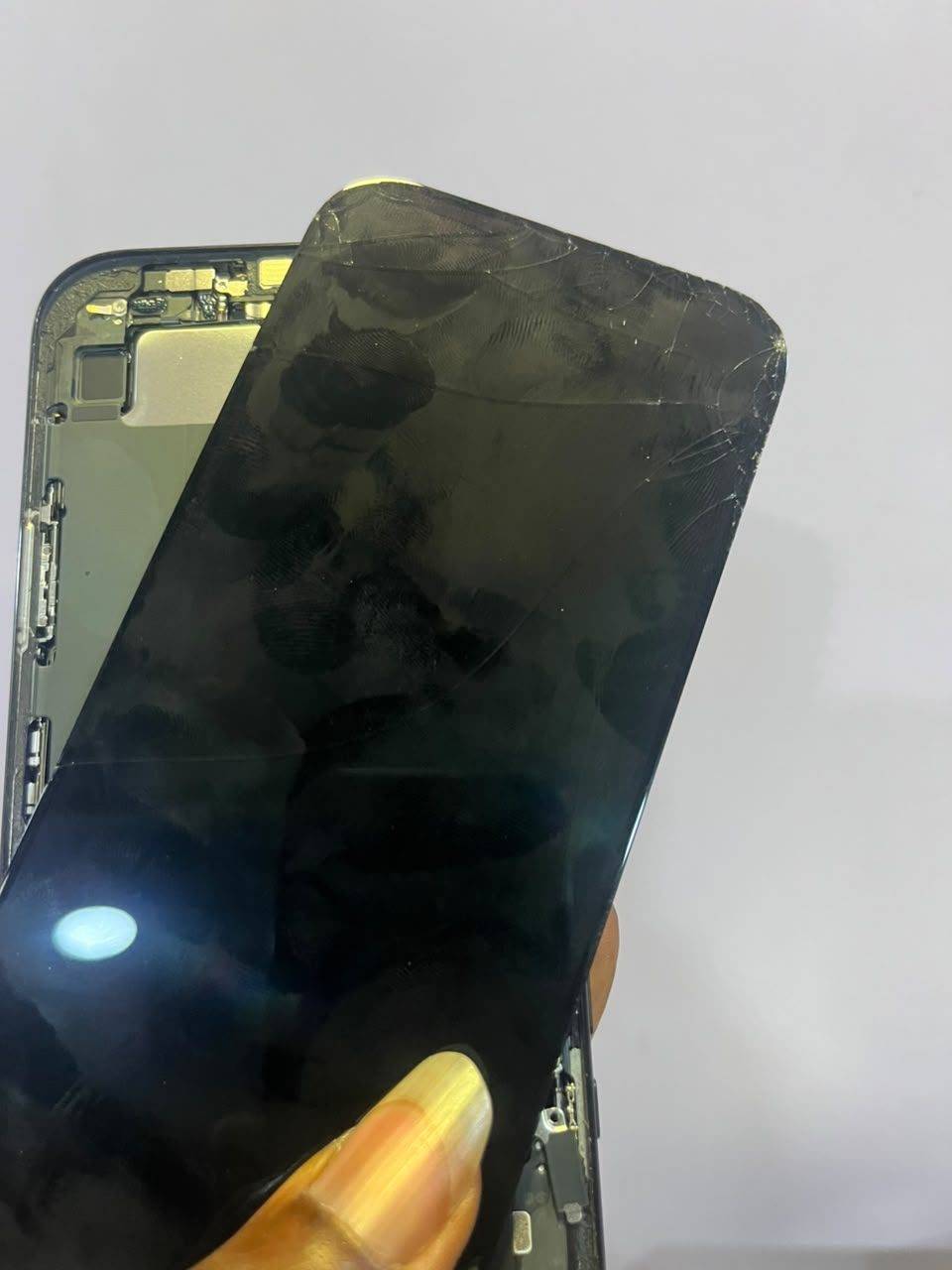
Before · cracked display
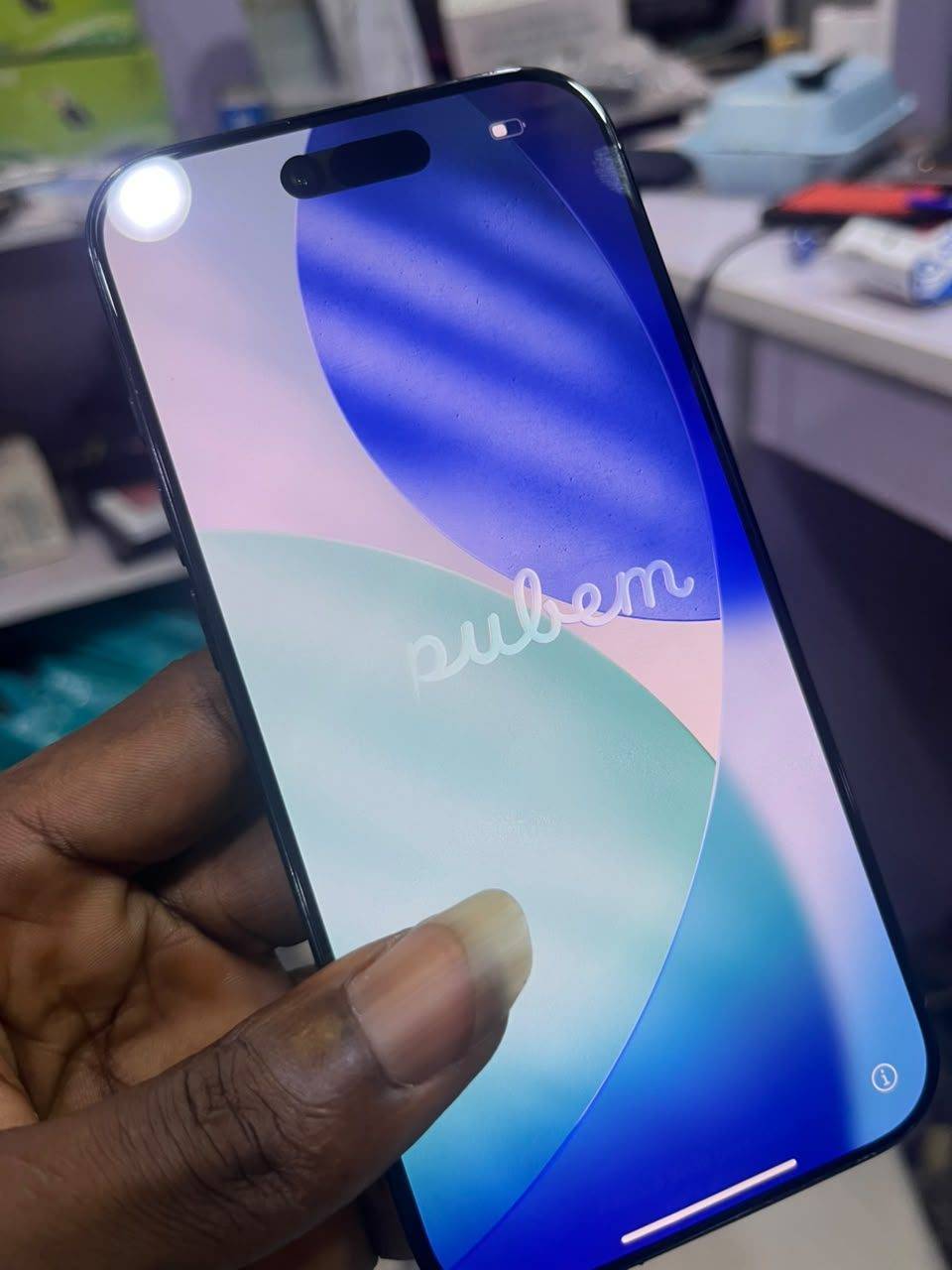
After · working display
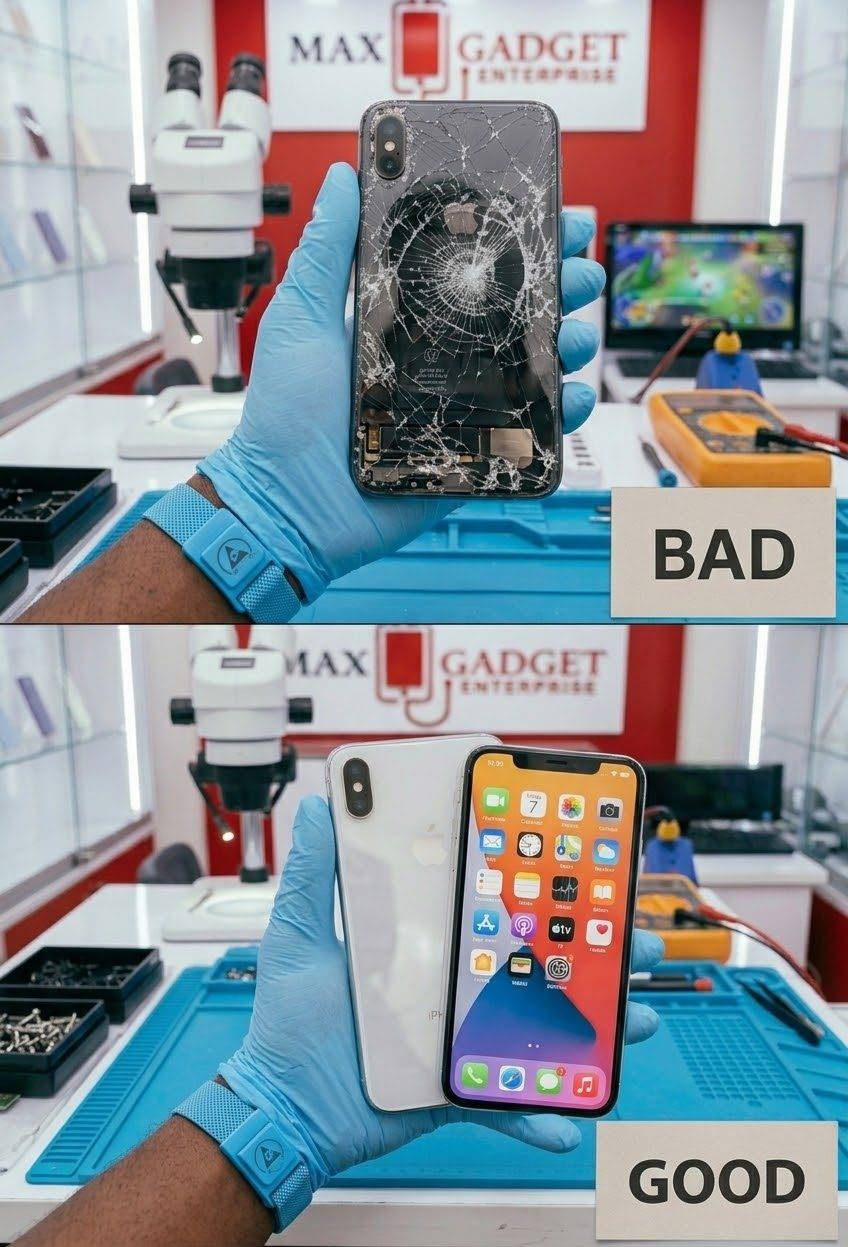
A shattered back, restored
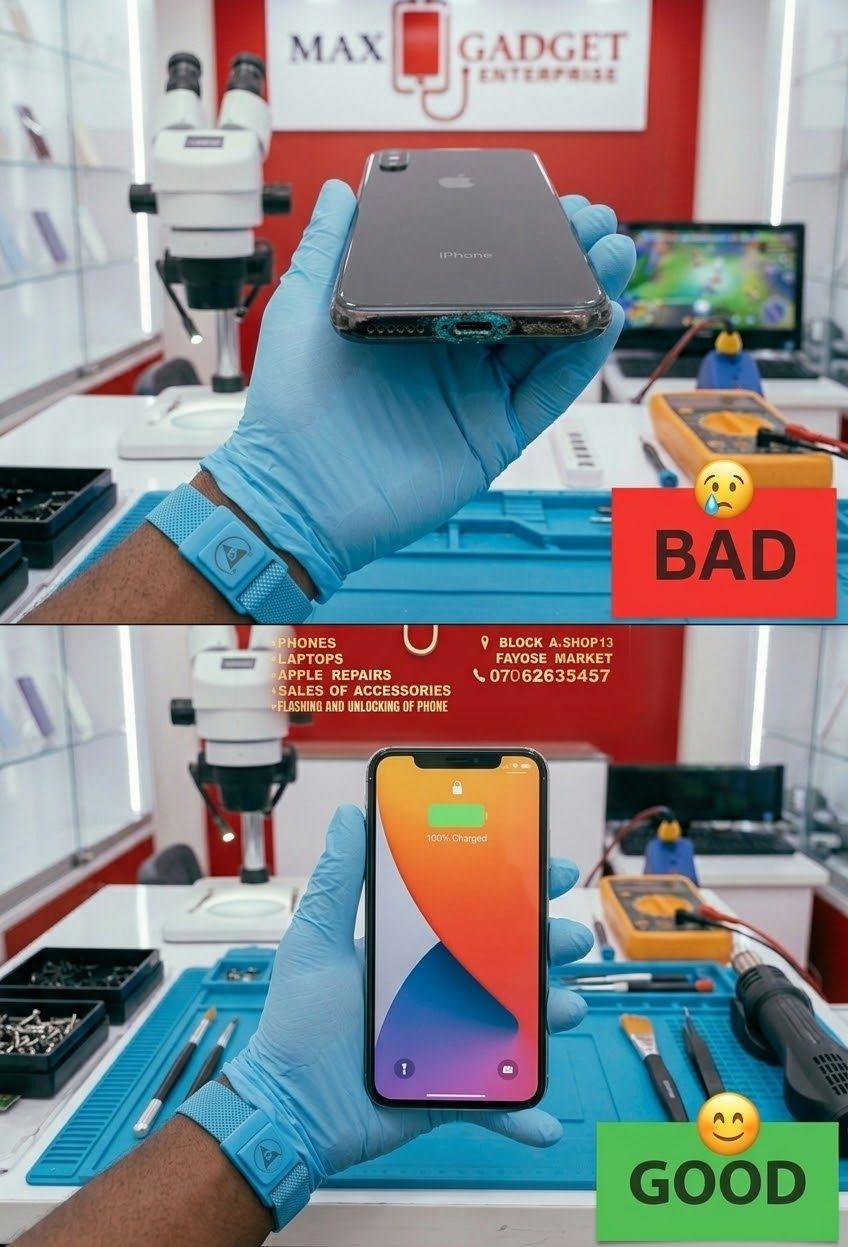
Charging trouble, fixed
From the shelf
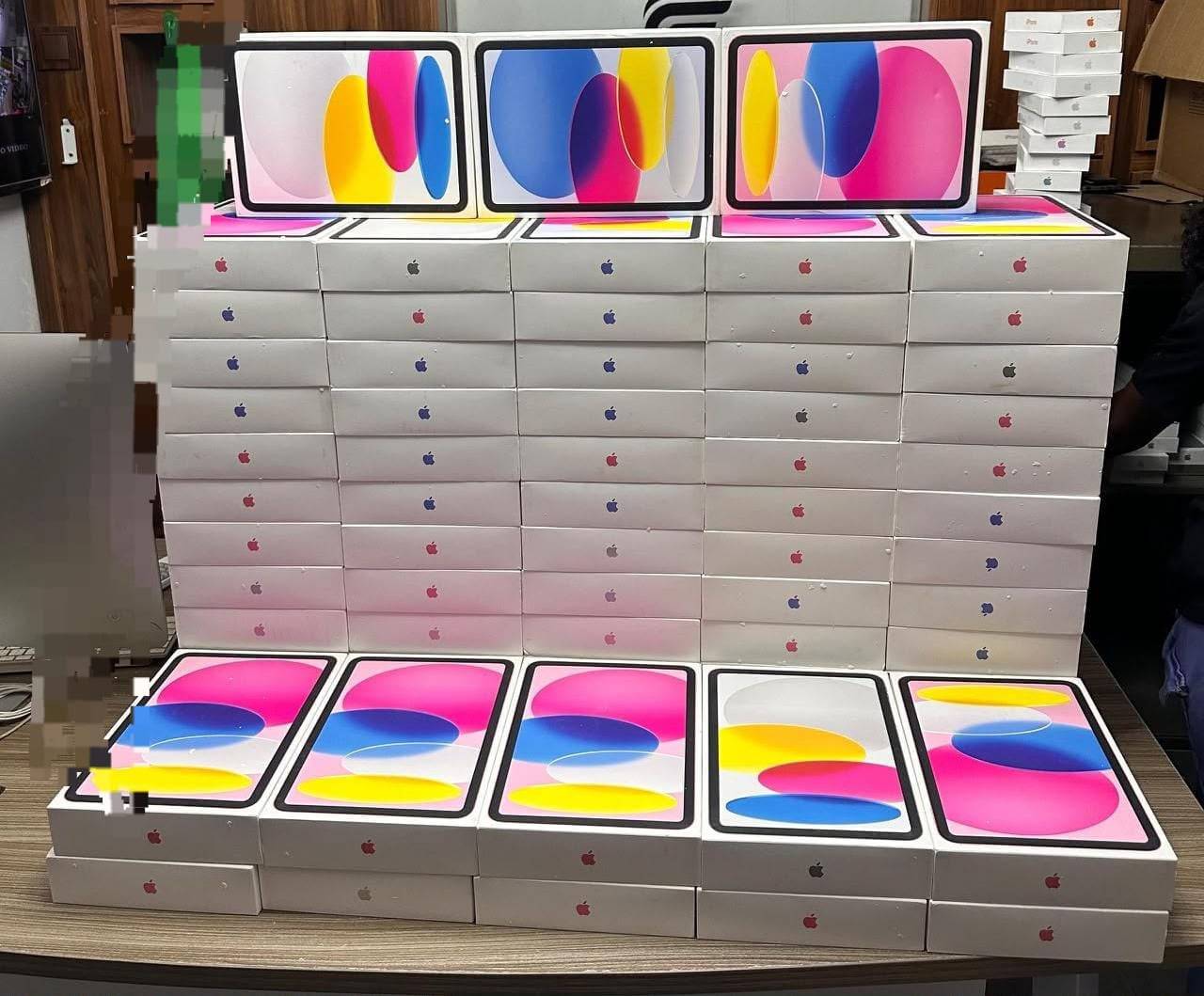
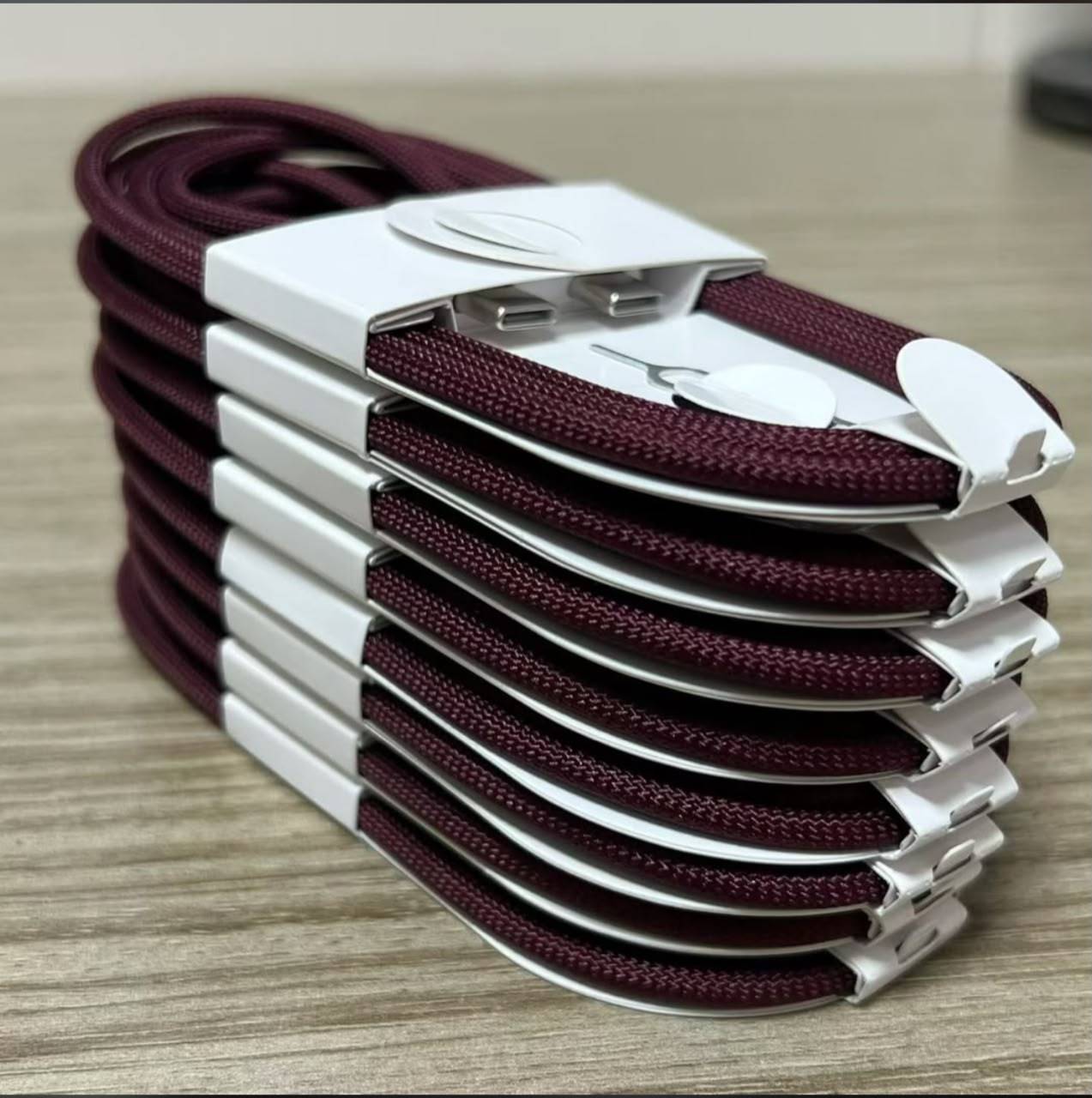
iPhones, iPads and accessories.
Retail
Come to Block A, Shop 13, Fayose Market, Ado-Ekiti, Ekiti State, Nigeria, or message us to arrange delivery. Closed on Sundays.
Find the shopBulk
Contact Max Gadgets for a tailored quotation on bulk iPhone orders.
Request a Bulk QuoteBuying guide
Whether you buy from us or anywhere else, these checks save you from stress. Ask us to show you any of them in the shop.
On an iPhone, open Settings, Battery, Battery Health. Ask us for the figure before you buy a used phone.
A used iPhone must be signed out of the previous owner's Apple ID, or Activation Lock can block you. Check it on the spot.
Set up Face ID, open the front and back cameras and check the flash.
Charge it, make a call on speaker and play a video to check the speakers and microphone.
Put your SIM in and confirm that calls, data and Wi-Fi all work.
Eligible UK-used gadgets at Max Gadgets carry a 7-day warranty. Ask what applies to your phone.
Heavy photo, video and WhatsApp users should think about more storage. Ask us what is available.
UK-used (Tokunbo)
Previously owned phones brought in from the UK. Eligible UK-used gadgets at Max Gadgets carry a 7-day warranty. Ask us about condition and battery health before you buy.
New
Ask us what new stock is available today. We confirm availability and the details with you on WhatsApp.
Ask what is availableHow it works
1
Look through the range and the services on this site.
2
Tap WhatsApp with the model or repair you need.
3
We chat back with today's price and confirm what is available.
4
Visit Block A, Shop 13, or arrange delivery.
Phone dey give you wahala?
Try these simple steps before you panic. They are general tips, not a guarantee. If the problem stays, message us or bring the phone in and we will take a look.
Keep it healthy
Use an original or certified charger. If your power keeps fluctuating, charge through a surge protector.
Do not leave your phone in direct sun, a hot car or on a dashboard. Take a thick case off if it gets warm while charging.
A good case and screen protector cost far less than a cracked display.
Back up photos and chats to iCloud or Google Photos, and turn on your WhatsApp chat backup.
Updates fix bugs and security problems. Install them when your battery is above half.
Clear big WhatsApp videos and old downloads so your phone stays quick.
Quick answers
Prices change every day, so we confirm today's price and availability on WhatsApp.
Tap WhatsApp on any product to send the model and ask for the current price and availability.
Yes. Request a bulk quote on WhatsApp and we will respond.
Yes. Message us to arrange delivery.
Block A, Shop 13, Fayose Market, Ado-Ekiti. We are closed on Sundays.